
PAC Help
Copyright© by The Library Corporation
The Online
Resources button displays on your PAC toolbar if your library has
access to resources online and allows you use of those resources. See
the toolbar example below:
Note:
If you
do not see the Online Resources
button, your library does not provide this service.
Online Resources contains links to web sites where subscriptions
may be required to access information provided by the service. For
example, if you want to do research on your genealogy, see if your library
has provided access to HeritageQuest, or some other ancestry web site.
If you
are checking for particular magazine articles, see if your library has
a link to EBSCOhost. Other
web sites will be made available at your library's discretion.
If you have access to online resources, click Online Resources from the PAC toolbar. Your Patron ID and PIN will be requested to log on to Online Resources. Once you log on, the Online Resources dialog may look something like the example shown below:
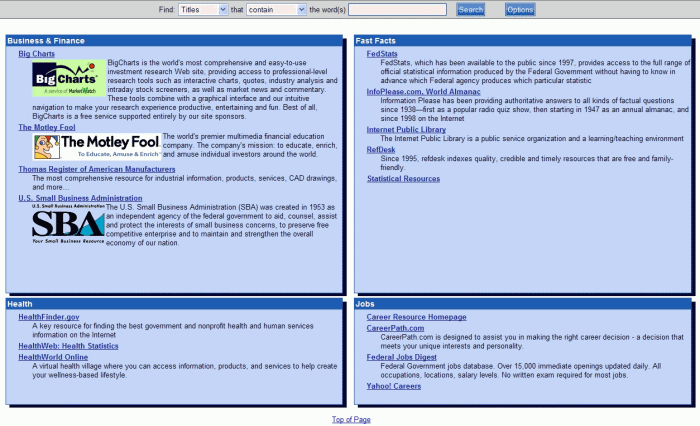
Click the web site you are interested in viewing. If you do not see the web site you want in Online Resources, check with your librarian to see if the web site can be added to your library's PAC.
See PAC Toolbar Overview for other options on the PAC toolbar.